Creating a virtual machine (ubuntu) with virtual box
Yesterday, I created a virtual machine for ubuntu system using VirtualBox.
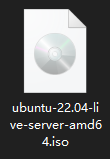
- Download the iso file of the operating system:
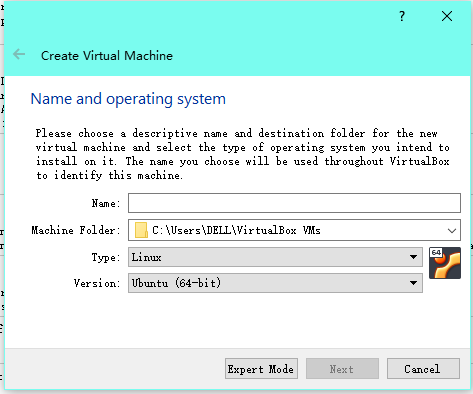
- Open VirtualBox, then choose the corresponding operating system:
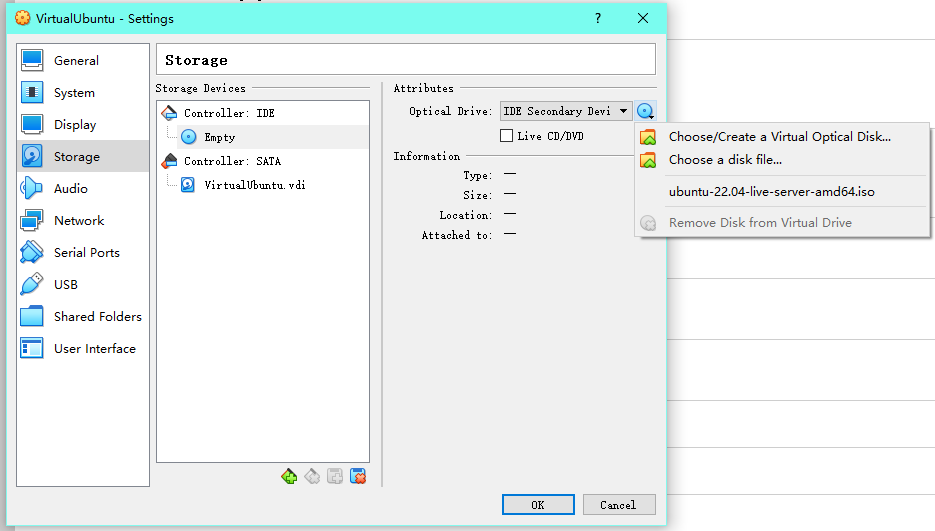
- Mount the iso file on VirtualBox:
- Format the disk space.
- Complete the regular settings.
- Set network adapters:
_ there can be multiple adapters
_ For my virtual machine, one adapter is used for NAT, the other one is used to connect to the host through ssh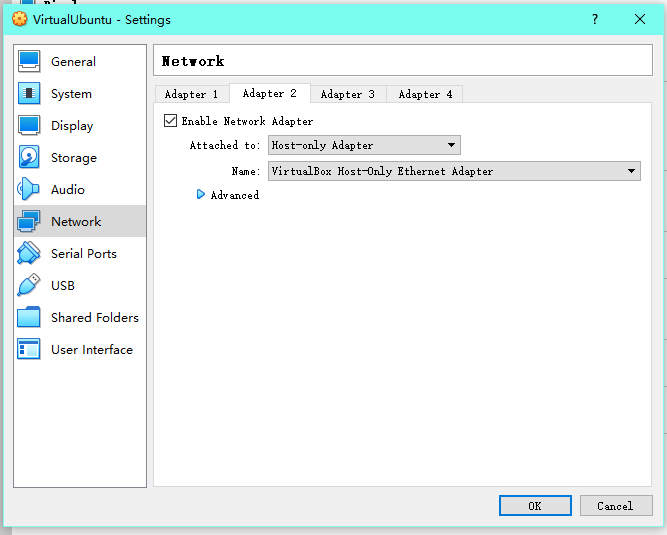
- remotely connect to the virtual machine through ssh:
On host system, search for folder .ssh . There should be a public key id_rsa.pub .
Then open it either usingor1
cat id_rsa.pub
Switch to the virtual machine, again, find .ssh folder and open it with1
vim id_rsa.pub
and paste the public key to the file, then save and close the file with1
vim authorized_keys
1
:wq [ENTER]
- Useto chech the ip address of the virtual machine, and connect to the virtual machine through ssh remotely.
1
ip a
Creating a virtual machine (ubuntu) with virtual box
http://gong208.github.io/2022/07/11/2022-07-11-VirtualMachine/